SpendCast
See where your money goes
SpendCast records every expense, keeps each category inside its budget, and tracks what you're saving towards. It works offline and never connects to your bank.
- Free
- Works offline
- No bank login

What SpendCast does
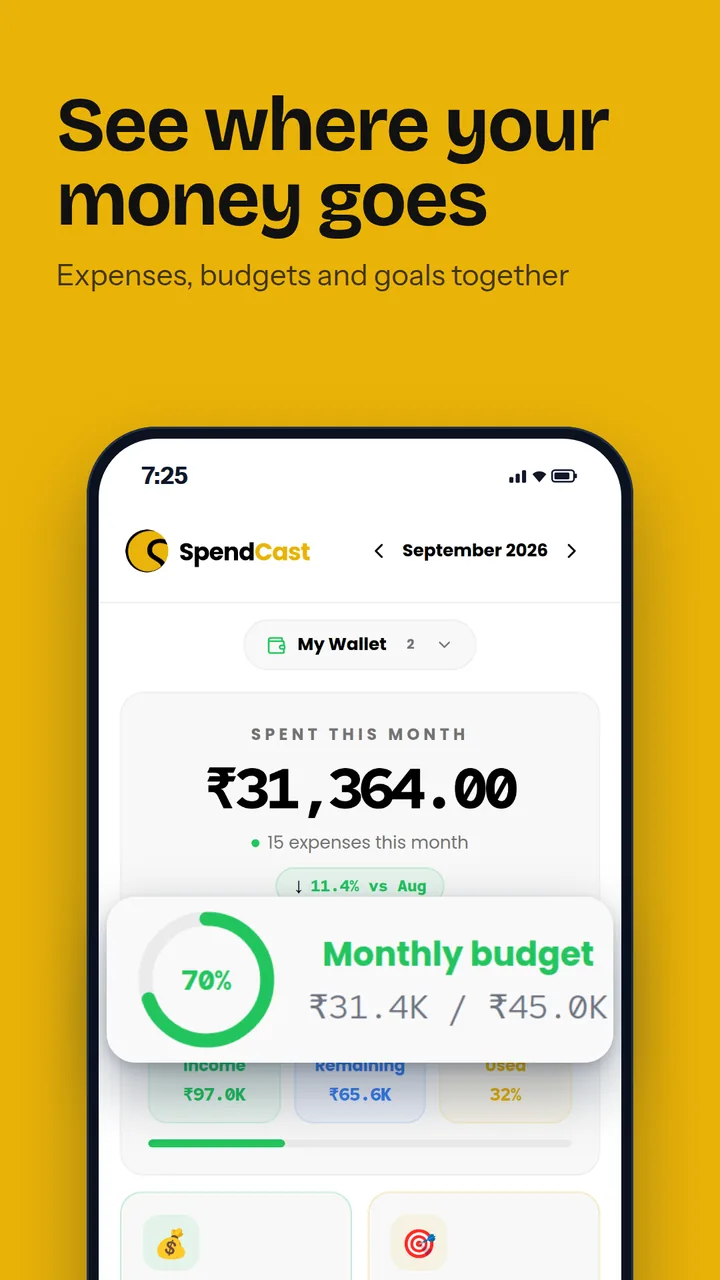
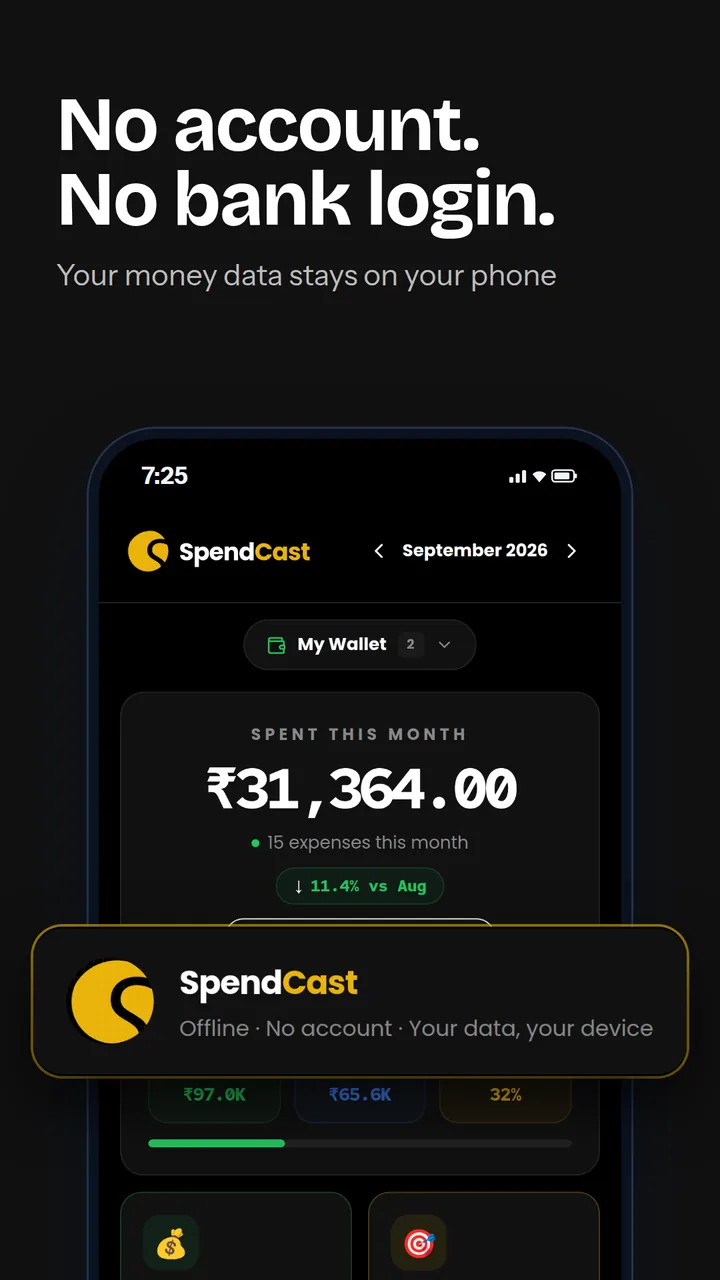
This month at a glance, for the wallet you pick.
- Total spent, with the change from last month
- A monthly budget ring and what's left
- Spending split by category
- Income, remaining and used, side by side
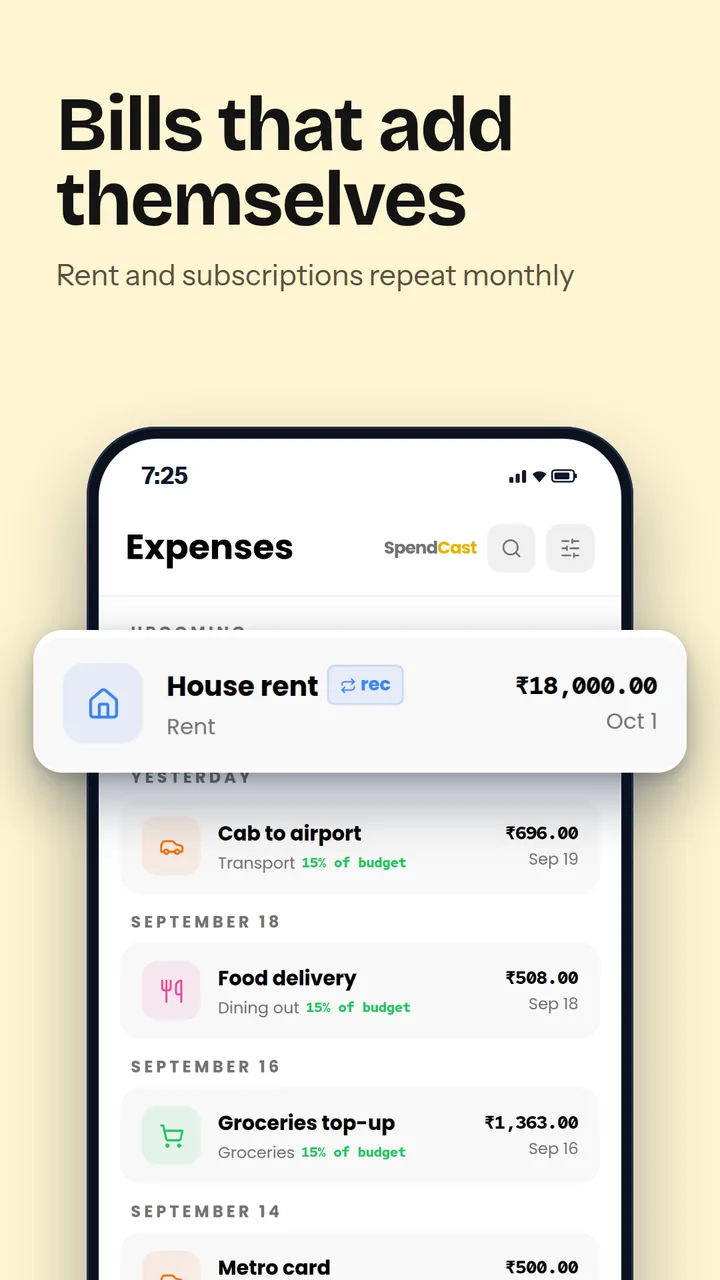
Every entry, grouped by day.
- Add an expense in seconds with the quick amount pad
- Mark an amount as approximate when you don't have the bill
- Recurring entries for rent, subscriptions and EMIs
- Filter by category, wallet, date range or amount
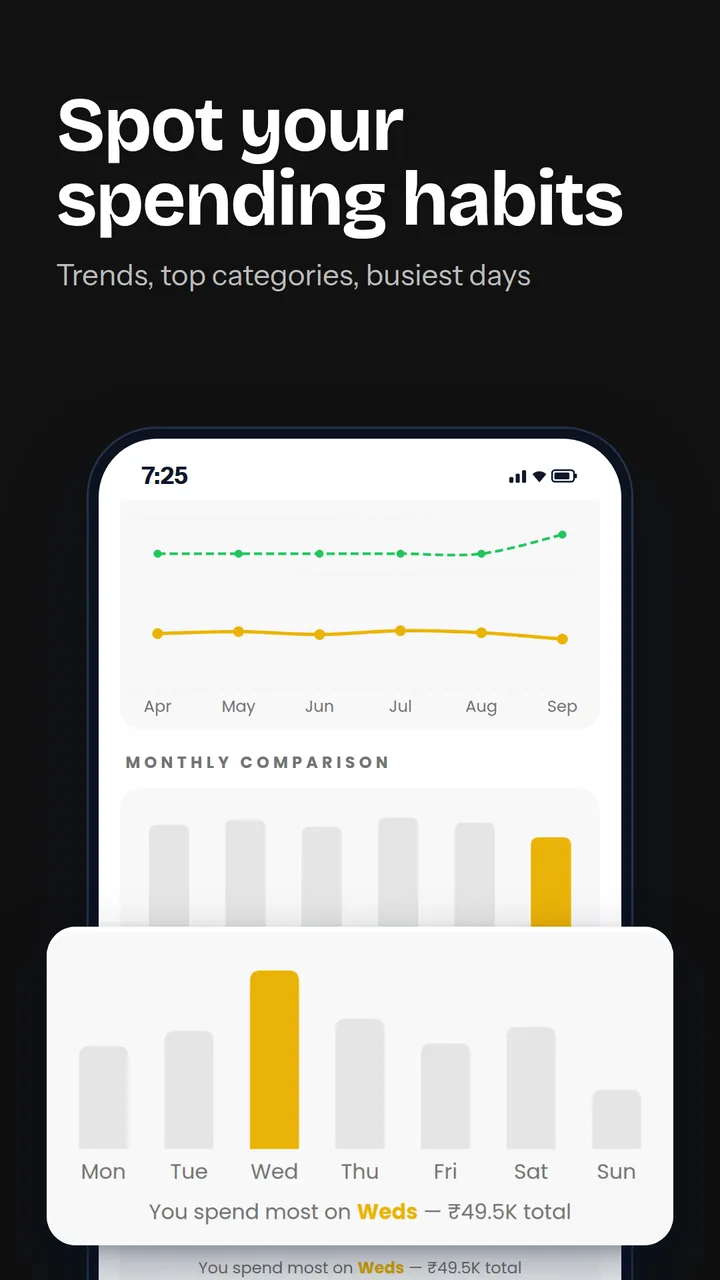
Where the money actually goes.
- Six-month trend of spending against income
- Month-by-month comparison
- Which day of the week you spend most
- All-time totals by category
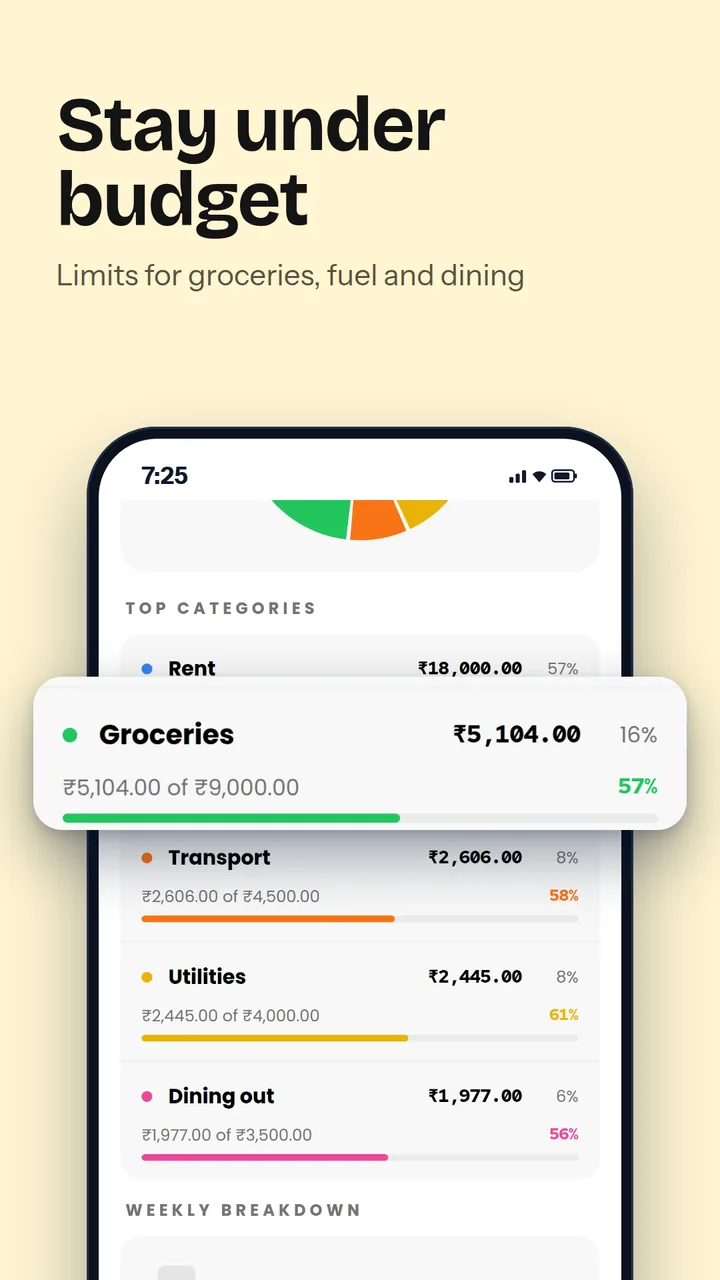
Limits that tell you before you overspend.
- Monthly budget for each category
- Progress bars that turn amber, then red
- An overall monthly budget cap
- Add, rename or remove categories
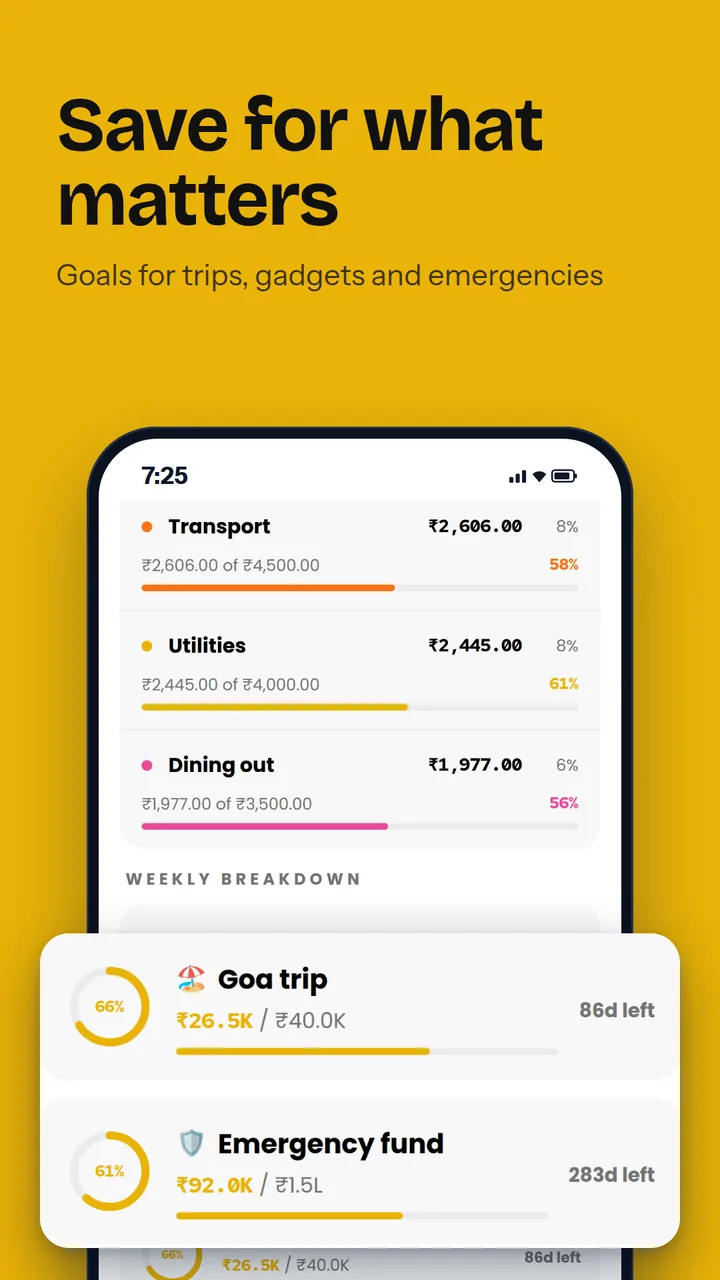
Save towards something specific.
- Target amount, deadline and saved-so-far
- Progress ring and days left
- As many goals as you need
Your money, your rules.
- Separate wallets, such as personal and home
- Pick your currency
- Dark mode and an app PIN lock
- Export a JSON backup or a CSV for Excel and Google Sheets
Inside the app
Your money stays your business.
SpendCast has no account, no cloud sync and no bank connection. Everything you record is saved on your phone.
- No bank loginNothing is linked to your bank or your SMS messages.
- Works offlineEvery feature works without an internet connection.
- Backups on your termsExport a JSON or CSV file whenever you want.
- Delete anytimeClear all data from Settings, or uninstall the app.
How to start
Add an expense
Tap + on the Dashboard, enter the amount and pick a category.
Set your budgets
Give each category a monthly limit, and an overall cap if you want one.
Record your income
Add your salary or any other income for the month.
Watch the insights
After a few weeks, Insights shows your trends and busiest spending days.
Common questions
Is my spending data private?
Yes. Everything you enter is stored only on your phone. SpendCast has no account, no cloud sync and no servers.
Does SpendCast read my SMS or connect to my bank?
No. It never reads your messages and never connects to a bank. You enter expenses yourself, which is why it needs no sensitive permissions.
How do I back up or move to a new phone?
Open Settings, tap Export / Backup and save the JSON file. On the new phone, install SpendCast and use Import / Restore.
Can I open my data in Excel?
Yes. Settings has Export as CSV, which opens in Excel, Numbers or Google Sheets.
About the developer
Made by Satheesh Mankulam
Satheesh is a UX and motion designer with more than 11 years in visual design, who now designs and builds his own Android apps. Each one is free, asks for no account and keeps your data on your phone.
He is the author of The Psychology of Product Moments and writes about design and building apps on Medium.